






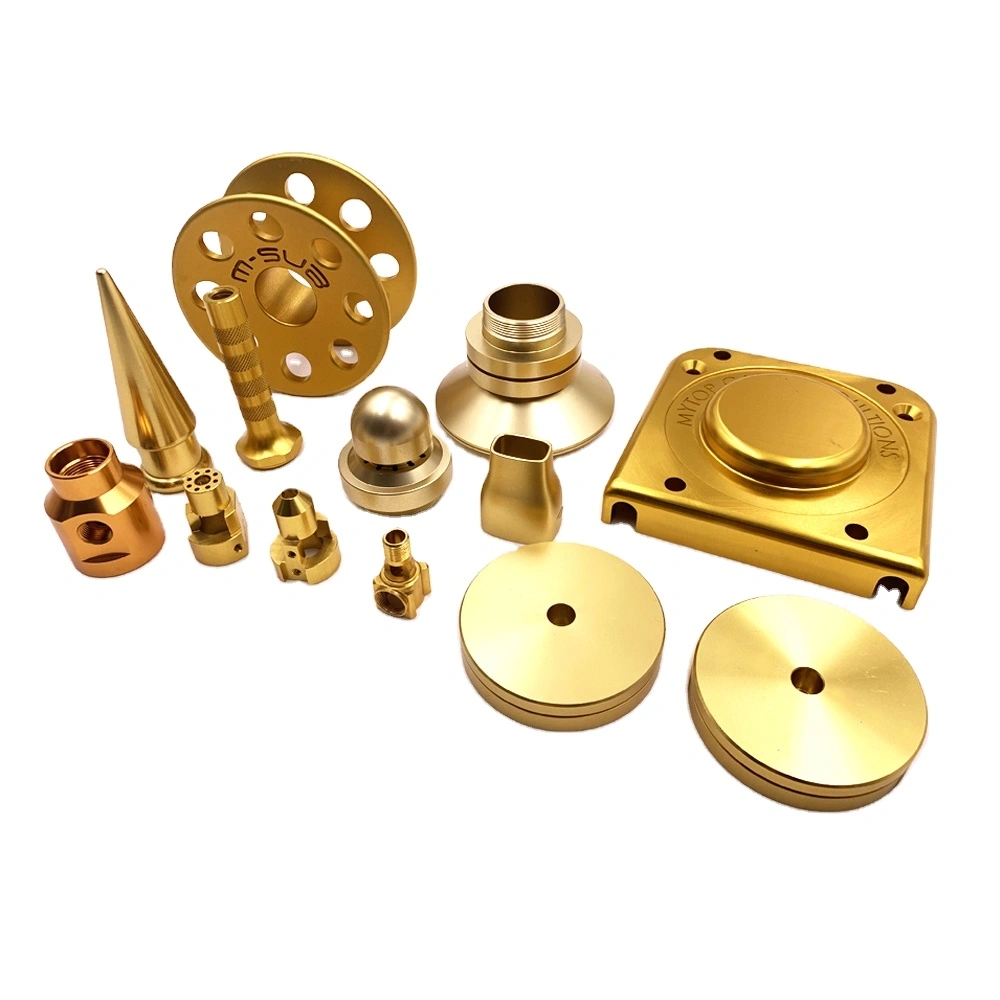
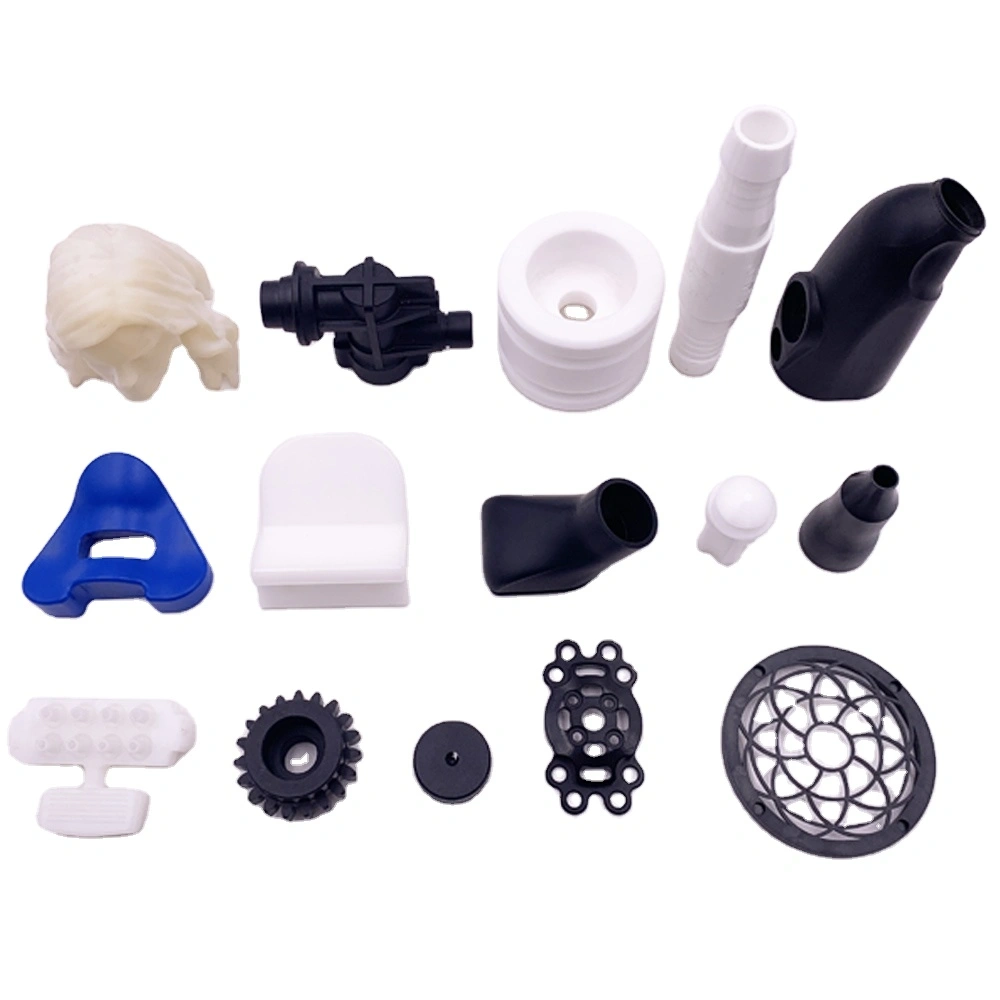
For hardware processing and plastic mold manufacturers, 3D printers greatly simplify rapid sample production and shorten product verification cycles. Many novice operators in factories want to know how to work 3D printer correctly to make high-precision prototypes for mold cavities and custom hardware fixtures. Mastering complete operating procedures can avoid common printing errors and improve sampling efficiency effectively.
1. Pre-Operation Preparation to Work a 3D Printer
Before learning how to work 3D printer for industrial prototyping, sufficient pre-checks are necessary to ensure smooth printing tasks.
1.1 Printer Hardware Inspection
Check the printer nozzle, printing platform and material feeding system first. Level the hot bed strictly to prevent warping of thin-wall plastic mold samples and small hardware parts. Also confirm sufficient filament or resin materials to avoid unexpected printing stops.
1.2 Model and Parameter Setup
Prepare qualified 3D model files for mold inserts and hardware components. Slice digital models via professional software, add targeted supports for complex grooves and hollow structures, and set proper temperature and printing speed matching industrial precision standards.
2. Standard Operation Steps to Work a 3D Printer
These step-by-step operations fully guide users to understand how to work 3D printer for factory fast sample production.
2.1 Import Processed Printing Files
Save sliced printing files to USB or SD card and insert it into the printer. Select the correct file on the control screen, and verify the printing size fits the printer’s build volume before starting the machine.
2.2 Run Printer and Monitor Printing Process
Start the printing program officially after all settings are confirmed. Monitor the first few layers closely, as unstable bottom layers will cause overall sample failure. Real-time observation helps fix minor problems without interrupting the whole printing process.
3. Post-Print Processing and Operational Tips
Post-print handling is an essential final step when you learn how to work 3D printer for manufacturing scenarios.
3.1 Sample Demoulding and Finishing
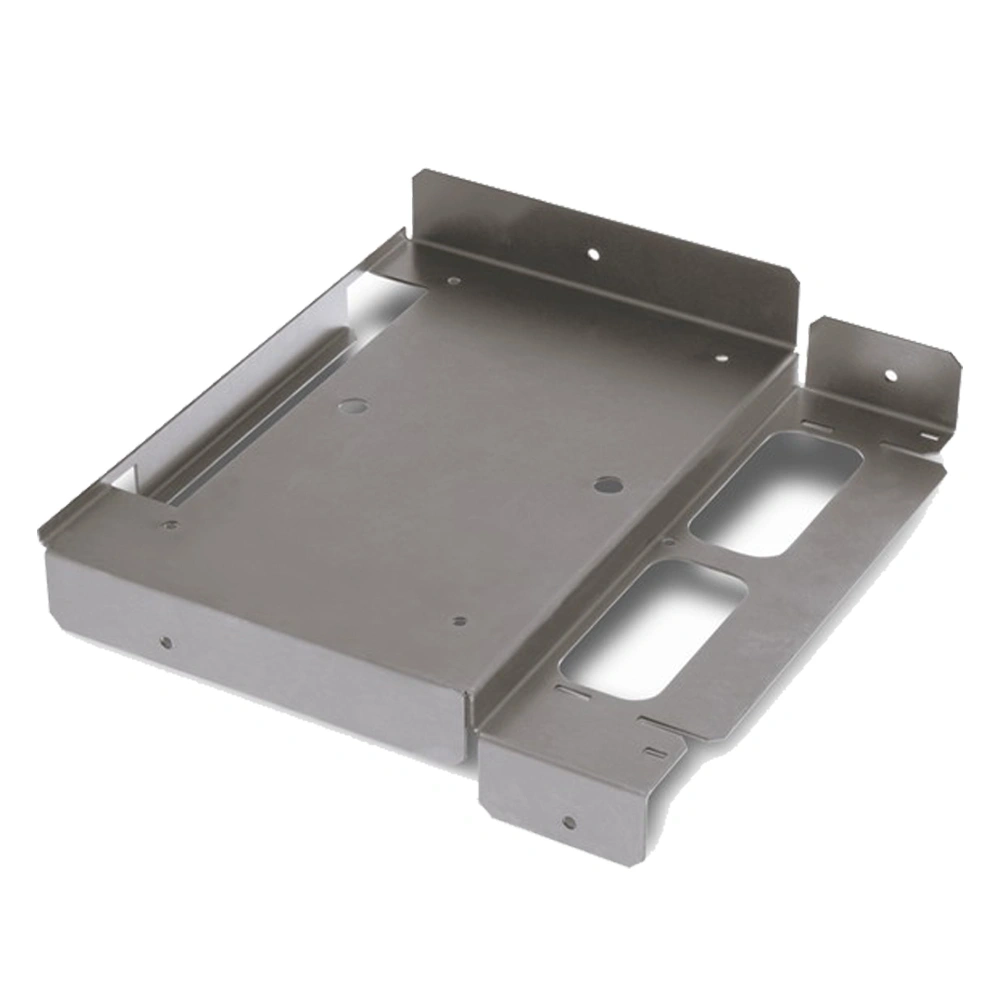
Take off cooled samples carefully once printing finishes. Remove redundant support structures and polish surface burrs. The finished samples can be directly used for assembly test and structural inspection of plastic molds and hardware parts.
3.2 Routine Printer Maintenance
Clean nozzle residues and wipe the printing platform after each use. Regular maintenance keeps the 3D printer in good condition, reduces mechanical failures, and supports long-term stable rapid sample output for manufacturing workshops.
In conclusion, understanding how to work 3D printer helps factory staff operate devices safely and efficiently. It brings faster sampling speed, lower production costs and higher prototype accuracy for hardware processing and plastic mold industries.