






For hardware processing and plastic mold factories, complete 3D files are the premise of fast sample printing. Many workshop beginners ask how to download 3D printer files correctly for mold inserts, hardware jigs and customized prototypes. Wrong file sources or incompatible formats will cause printing failures and delay sampling progress. This guide explains the full standard process simply.
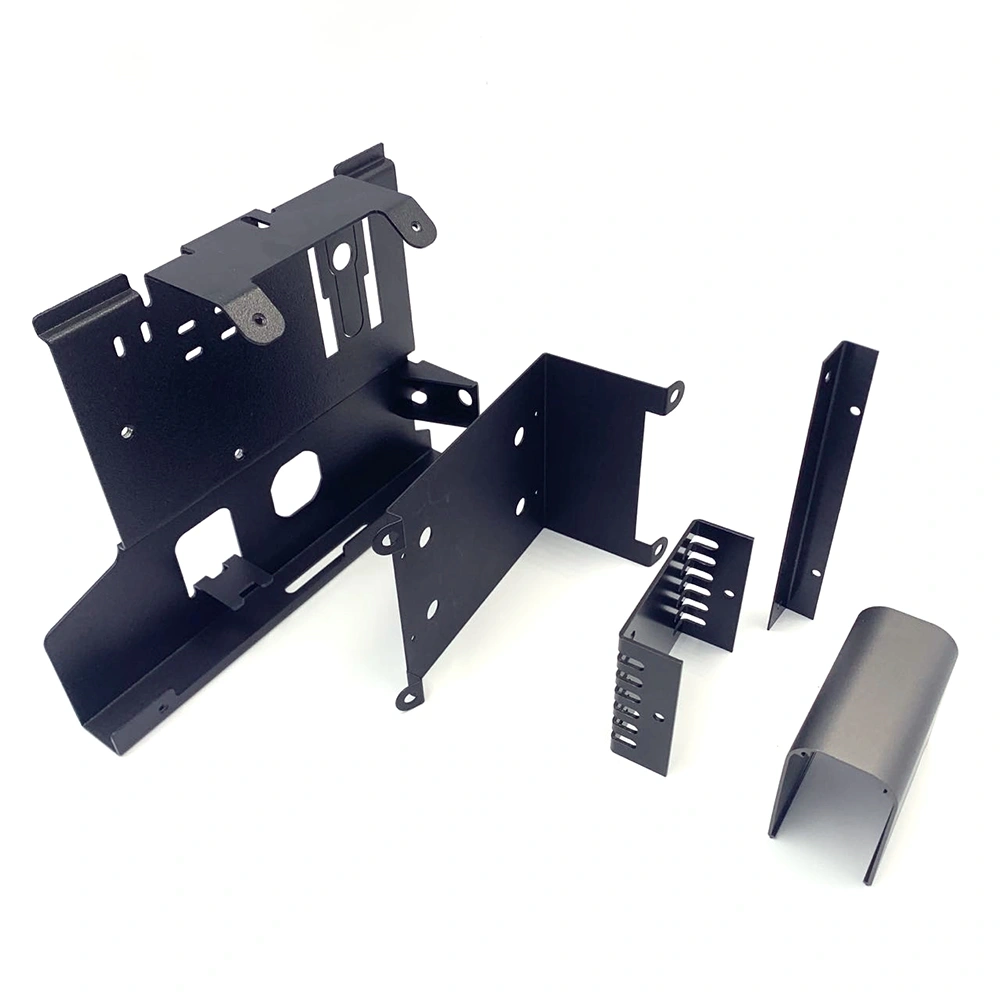
1. Choose Reliable Platforms for Industrial 3D Files
The first step to learn how to download 3D printer files is picking trustworthy engineering model websites.
1.1 Professional Engineering Model Websites
For precision hardware parts and standard plastic mold structures, choose GrabCAD and Printables. These platforms provide high-precision industrial models with complete dimensional data, which fully meet factory rapid sampling requirements.
1.2 General Open-Source Model Libraries
Thingiverse and PrusaPrinters are suitable for simple structural samples. Avoid low-quality free models with broken surfaces, as they will lead to layer errors and poor accuracy during mold and hardware sample printing.
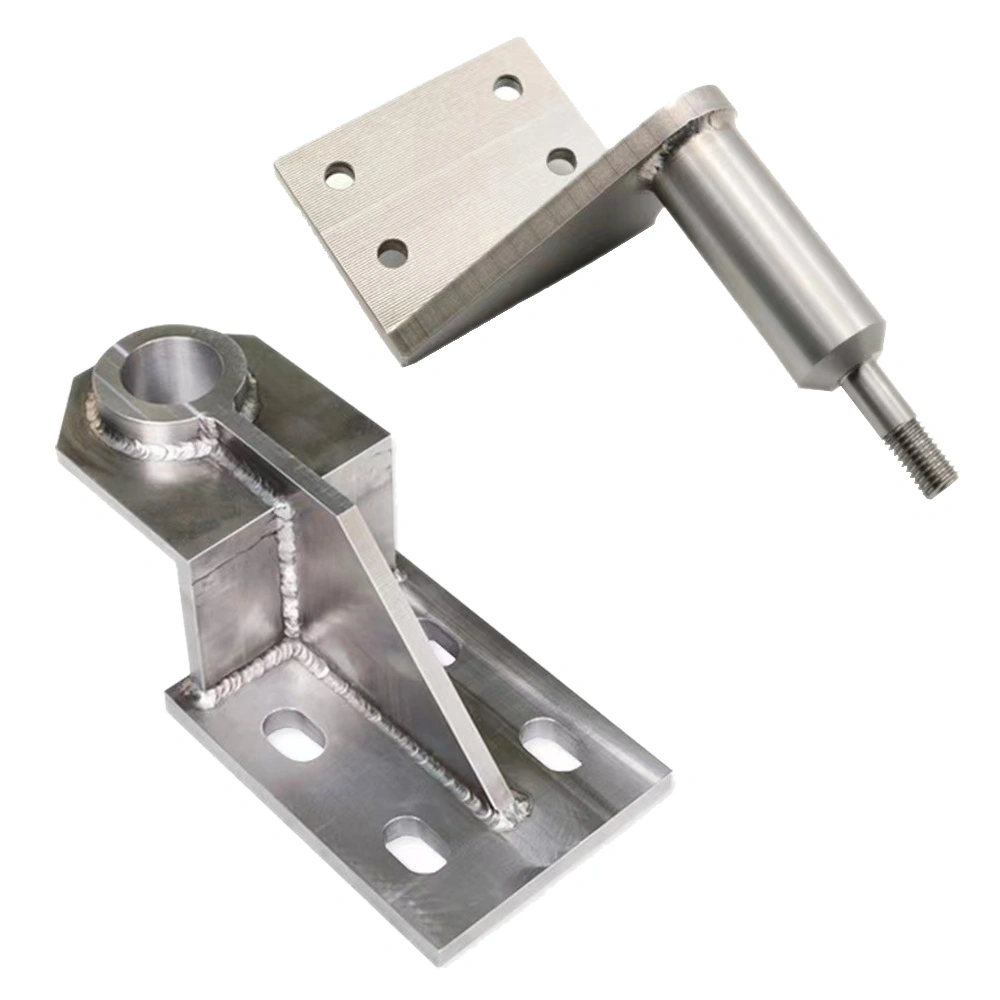
2. Step-by-Step Guide: How to Download 3D Printer Files
Follow these clear steps to master how to download 3D printer files without format errors.
2.1 Search and Filter Target Industrial Models
Input accurate keywords such as hardware fixture or plastic mold cavity. Filter
2.2 Download and Extract Compressed Files
Click the official download button and save files to a dedicated folder. Most industrial models are packed in ZIP files. Extract complete files first, and delete incomplete attachments to prevent slicing failure later.
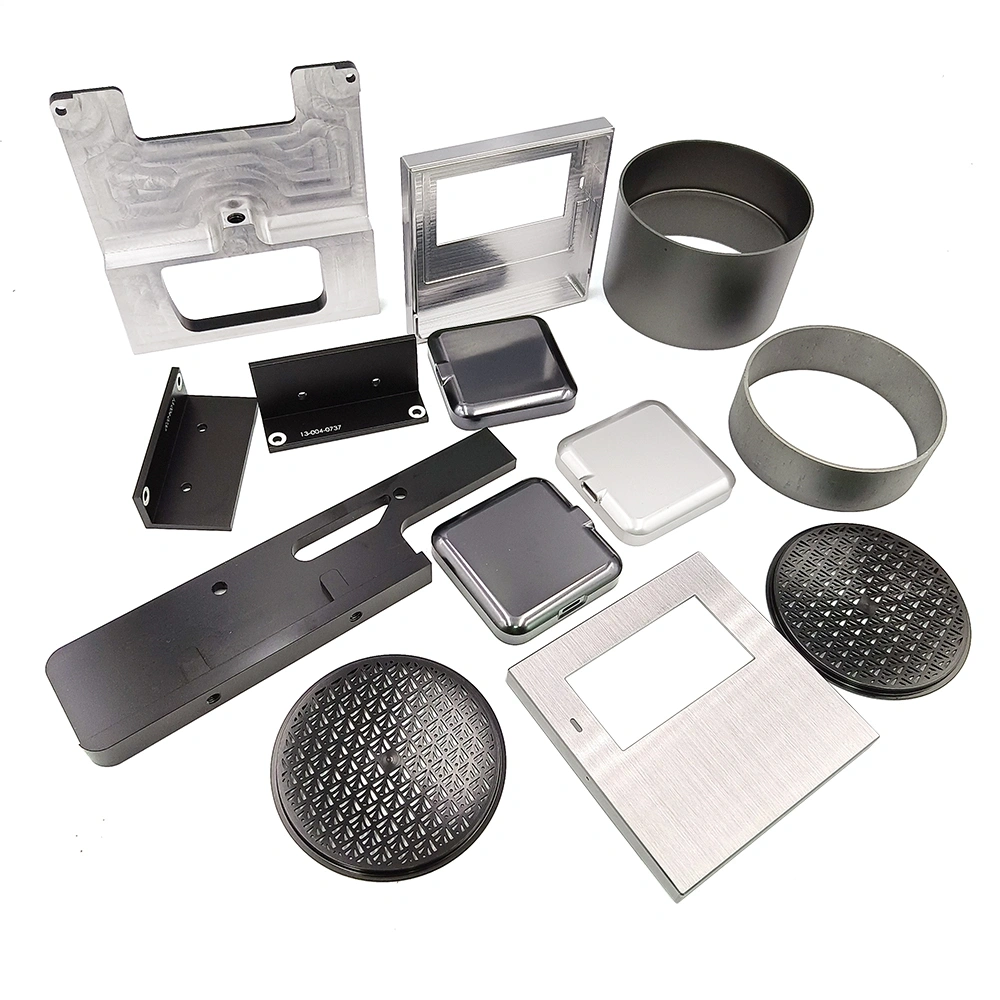
3. File Inspection and Pre-Print Preparation
Post-download checking is essential when learning how to download 3D printer files for industrial production.
3.1 Repair Defective Downloaded Models
Import downloaded files into slicing software to check broken edges, overlapping faces and hollow defects. Repair tiny flaws in time to ensure printed mold and hardware samples have qualified tight tolerance.
3.2 Convert Files for Printer Compatibility
Slice qualified STL models into G-code files matching your 3D printer. Store finished files in an SD card or USB drive, then insert it into the printer to start fast sample production directly.
In conclusion, knowing how to download 3D printer files helps factories obtain usable industrial models efficiently. Standard file downloading and checking processes reduce printing errors, shorten prototype iteration time, and support stable fast sampling for hardware processing and plastic mold industries.